
Faceless reels are performing extremely well on Instagram right now.
Almost every account that is posting this style is getting good reach and solid results.
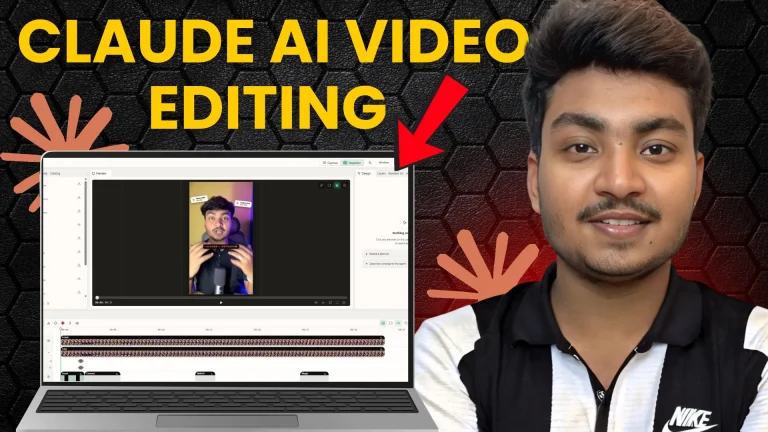
In this article, I’ll show you the exact method I use to create these faceless reels with the help of Claude.
I’ll walk you through the same workflow I follow, so you can replicate it easily.
Let’s get straight to it.
What Kind of Reels Are We Talking About?
These are clean, modern, faceless explainer-style reels.
No face on camera. Just good voiceover + strong visuals + smooth animations.
I recently made one for a tool called Store Card.
The reel explained the problem of managing multiple affiliate links and how Store Card solves it.
Claude handled the entire visual part — diagrams, text animations, transitions, and branding.
You can create the same style of content for any niche: SaaS tools, AI products, productivity apps, finance, or education.
What You Need Before Starting?
- Claude Desktop App (Pro plan recommended)
- FFmpeg – for cutting and exporting video
- Whisper – for captions
- Hyperframes – for better animations and effects
- A special Git repository (I’m calling it Claude Video 2 for now)
I’ll give you the complete pack + download links in the description so you don’t have to search around.
Step 1: Install the Required Tools + Git Repo
First, install the three main tools inside Claude:
- FFmpeg
- Whisper
- Hyperframes
Just tell Claude to install them.
After that, copy the Git repository link I provide and tell Claude:
“Install this git”
Claude will set everything up automatically. This repo contains many ready-made styles such as:
- Paper World
- Explainer Diagram
- Data Story
- Time Travel
- Editor UI
- Motion App UI
- Incline Weather
- and several more
These styles are the real reason the reels look premium and consistent.
Step 2: Create Your Voiceover
You have two good options:
- Generate the voice from ElevenLabs (free credits are enough for short reels)
- Record it yourself
I personally prefer ElevenLabs or my own voice. Claude’s built-in voice still doesn’t sound natural enough for Instagram.
Keep the script short — ideally 25 to 35 seconds. I usually write the script myself because I don’t want everything to be fully AI-generated. Small things like writing the script keep the content feeling more original.
Step 3: How to Prompt Claude (This Is the Most Important Part)
Once the repo is installed and your voice file is ready, the prompt is very simple.
You just need to write something like this:
Use this style: Paper World
(or Explainer Diagram / Data Story / whatever style you like)
Then paste your full script.
If you have brand assets (logo, brand colors, specific fonts), give those as well. Claude will try to match them.
Example structure:
- Use this style: Explainer Diagram
- Here is the voiceover file
- Here is the script
- Use these brand colors and logo
That’s it.
Claude will analyze everything and start generating the video in that exact style.
It adds diagrams, text animations, smooth transitions, and keeps the branding consistent.
Important Tip About Voice
In one of my tests, I let Claude generate the voice itself. The result was quite bad.
Then I gave it my ElevenLabs voice and clearly said:
“Use this voiceover. Don’t use your own voice.”
The difference was huge. The second version looked and sounded much more professional.
So always provide your own voice file.
How Simple Is the Process Really?
Once the setup is done, the actual creation becomes very easy:
- Choose a style from the repo
- Give the script + voice
- Add brand assets if needed
- Let Claude generate
- Make small corrections if required
It feels almost like drag and drop after the first setup.
What’s Coming Next?
In the next article/video, I’ll show you how to add characters in these faceless reels. Many viral videos right now use animated characters to explain concepts, and that needs a slightly different approach. I’ll cover that separately.
Final Thoughts
Faceless reels are working very well on Instagram in 2026, and Claude has made it much easier to produce them at a good quality level.
You don’t need to be a professional video editor anymore. You just need:
- A clear short script
- A good voiceover
- The right style from the repo
- And a proper prompt
That’s enough to start getting clean, modern, faceless content.
If you try this method, tell me in the comments what style you used and how the result came out.
I’ll see you in the next one.
Take care.